Developers
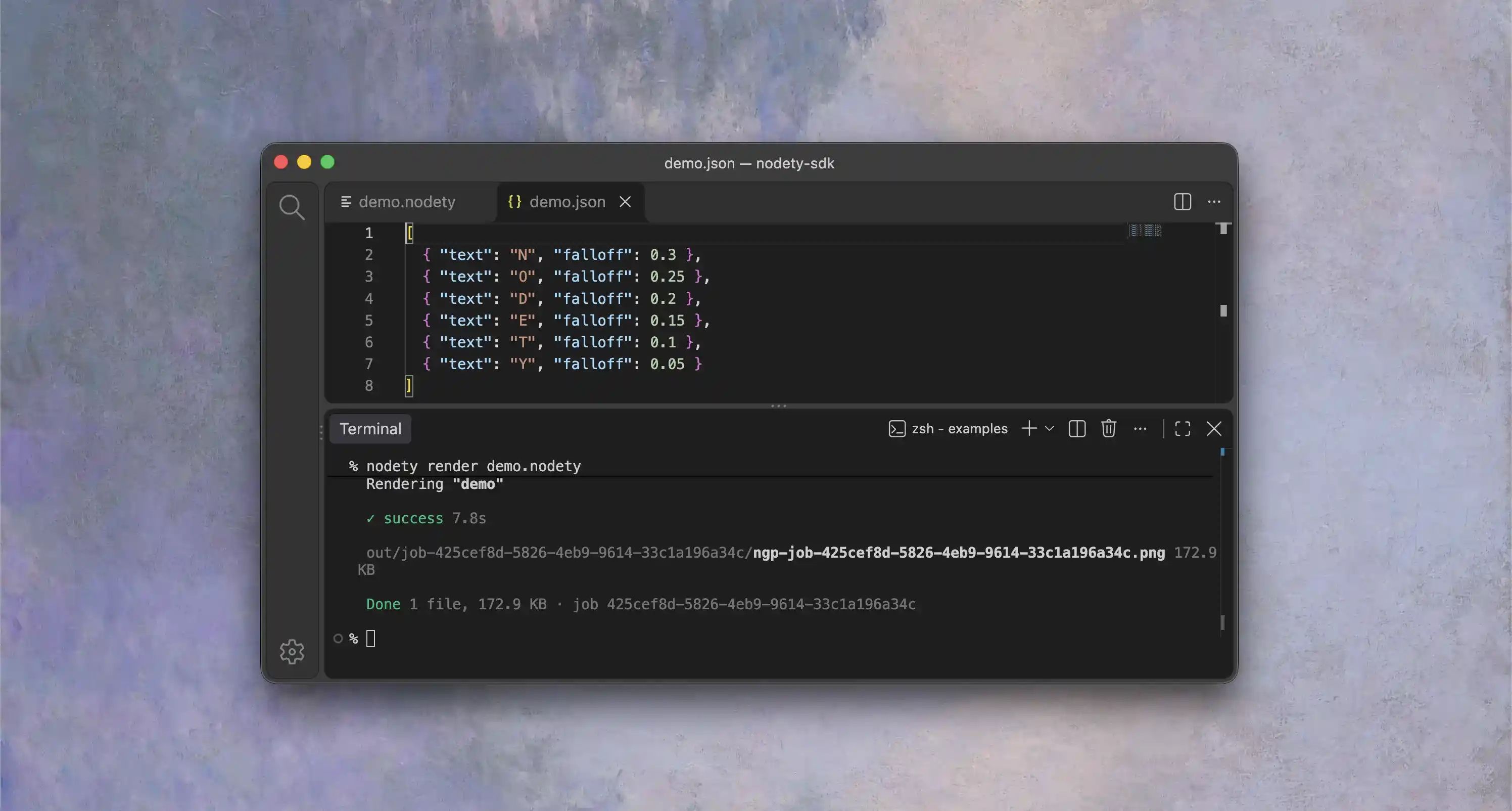
Render projects, pass parameters, run batches. The Nodety CLI and API connect your design pipeline to any data source or production workflow.
.nodety
.nodety is Nodety's open project format. Human-readable, text-based, fully round-trip. A project built over weeks in the Composer and a one-liner written in a terminal are the same format — a nodegraph, expressed as text.
star -> hatch-fill -> export(format=SVG)
text(paragraph1(span1(text="N", size=0.6))) -> blur(radius=0.2) -> stamp.rotation_imagegrid(rows=40, columns=40) -> stamp.target_pointsline -> stamp(rotation_angle=170) -> export*(format=DXF)
linear-gradient(angle=270) -> color-ramp.maskimport-image(url=file:///usr/mg/files/landscape.jpeg) -> color-ramp(match=Hue, ramp=[ #ff0000@0, (HSV, out-cubic)@0.6, #005043@0.3, (sRGB, linear)@0.5, #bceaff@1 ]) -> export(width=2000, height=2000)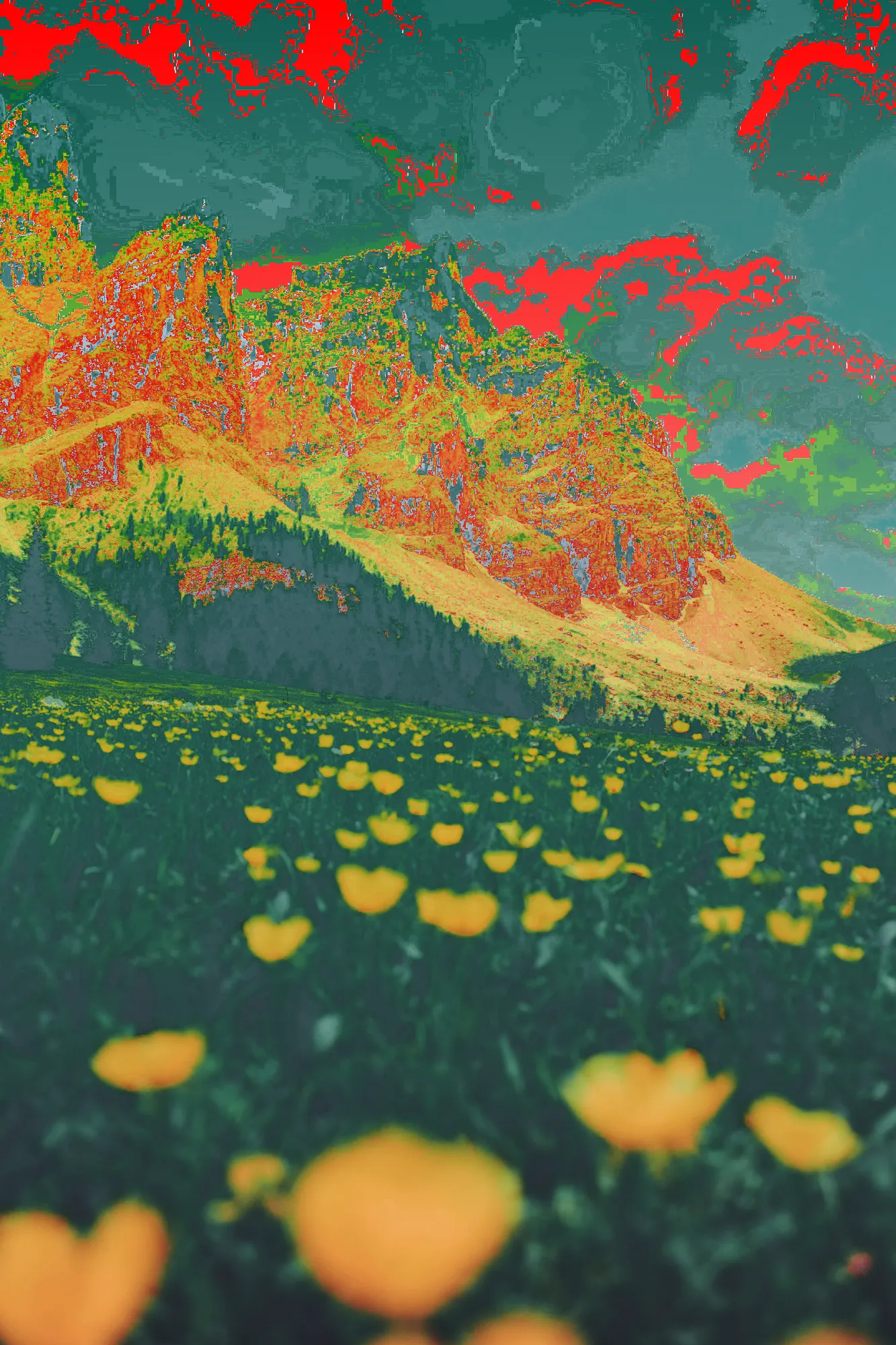
Under the hood
Fully round-trip
Any project exports as .nodety — any .nodety file dragged into the Composer opens as a project. Interface parameters automatically become sliders and fields. Templates export and import the same way. Code and canvas are the same object.
Full provenance
Drop any Nodety-generated output file (PDF, DXF, PNG) back in and you get the exact project state that created it. Every output is traceable to its source.
Git-native
Text files. Diff them, branch them, review them in PRs. Your design history lives in your repo.
Under 10kb
Always. The format is as compact as the nodegraph itself.
Bring anything in
Import bitmaps, vectors, or 3D objects by URI. Cloud renders resolve assets to Nodety's storage automatically.
Design. Code. Repeat
Create a project in the browser, export it as .nodety, modify it in a text editor or a script, import it back and keep working. The chain works in every direction — project, template, .nodety file, and back again. No conversion loss, no restrictions.
star -> hatch-fill -> export(format=SVG)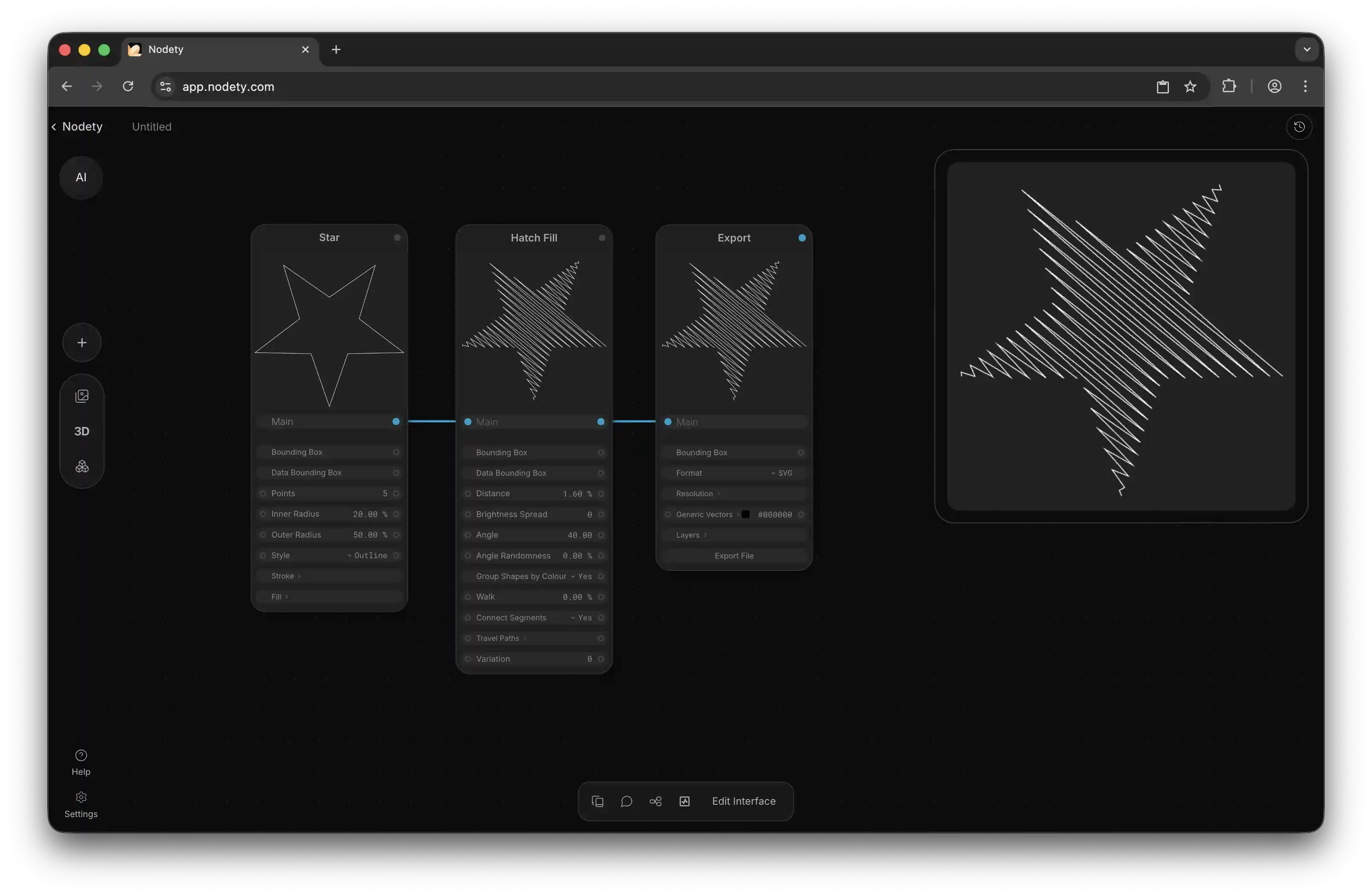
Render any export node from a .nodety file on Nodety's cloud infrastructure, at scale.
Or batch render an existing project directly in the cloud:
Automation
Add an interface block and the project becomes a template. Named parameters map to any node in the graph — ready for batch runs, configurators, CLI arguments, or API calls.
--- interface"Text" @text text.paragraph1.span1.text="N"---text(paragraph1(span1(text="N", size=0.6))) -> blur(radius=0.2) -> stamp.rotation_imageradial-gradient -> stamp.size_imagegrid(rows=40, columns=40) -> stamp.target_pointsline -> stamp(rotation_angle=170) -> export(format=DXF)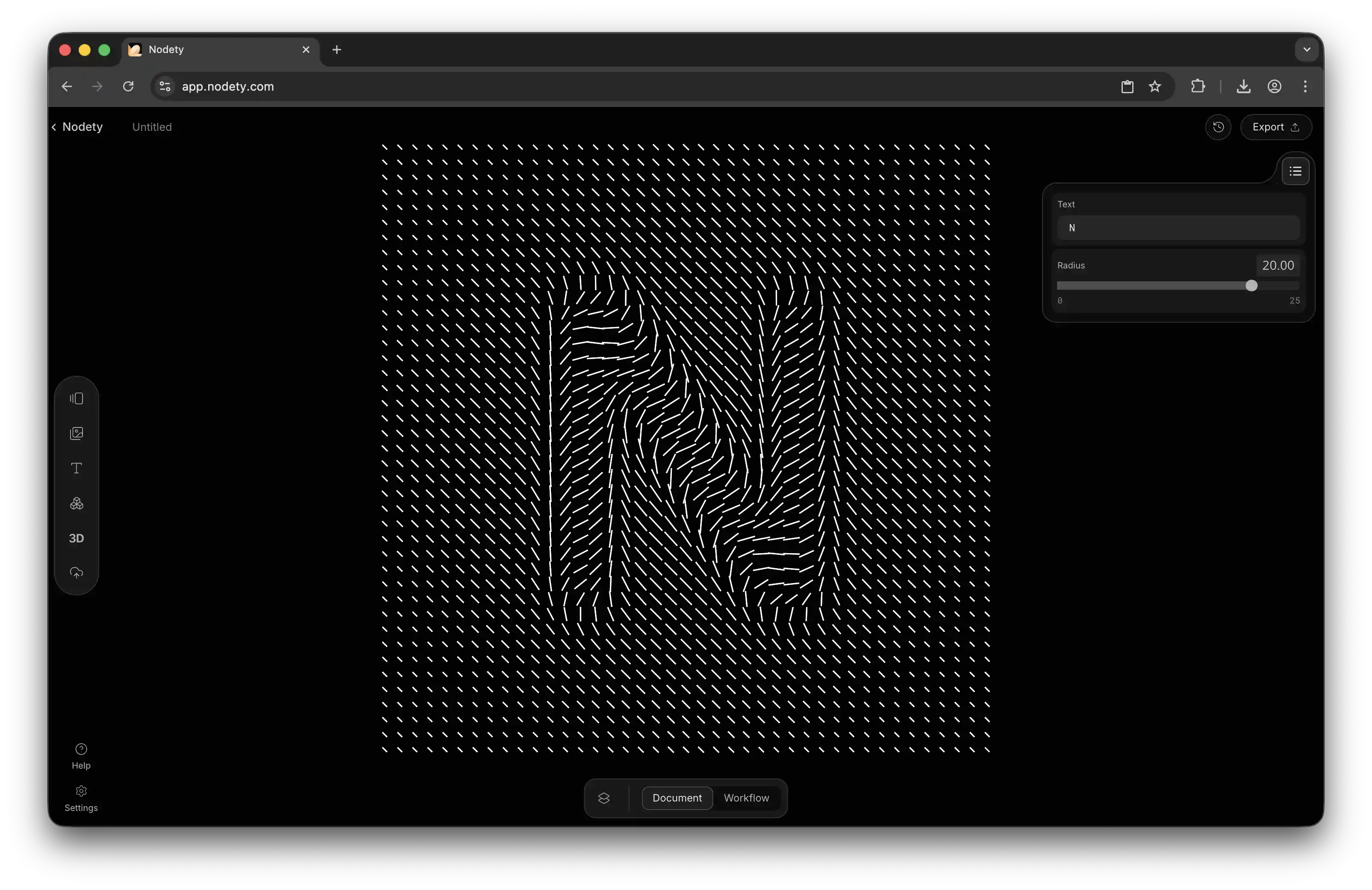
Batch-render a project from any data source — whether it's a local .nodety file or a cloud project referenced by its ID.