


Personalization
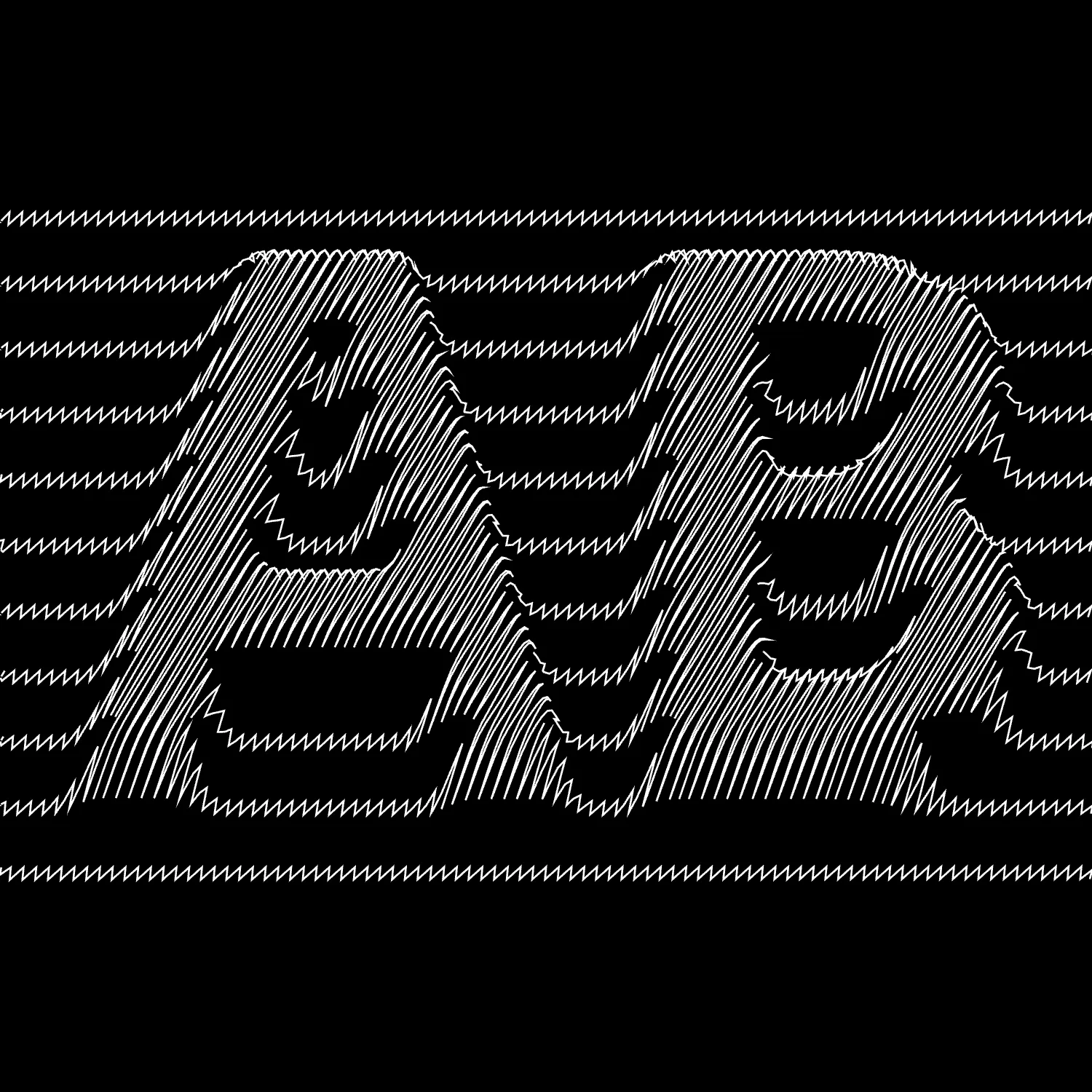
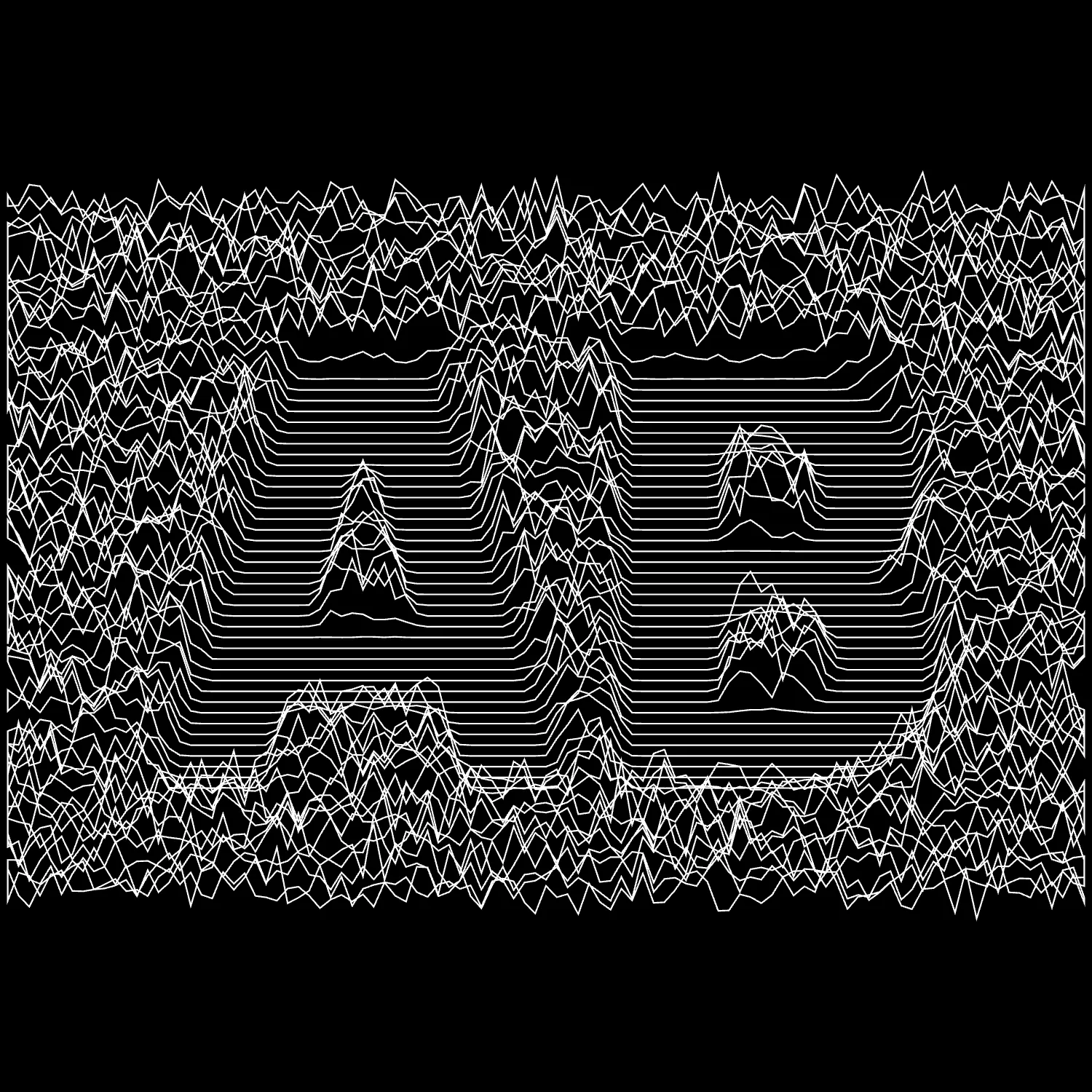
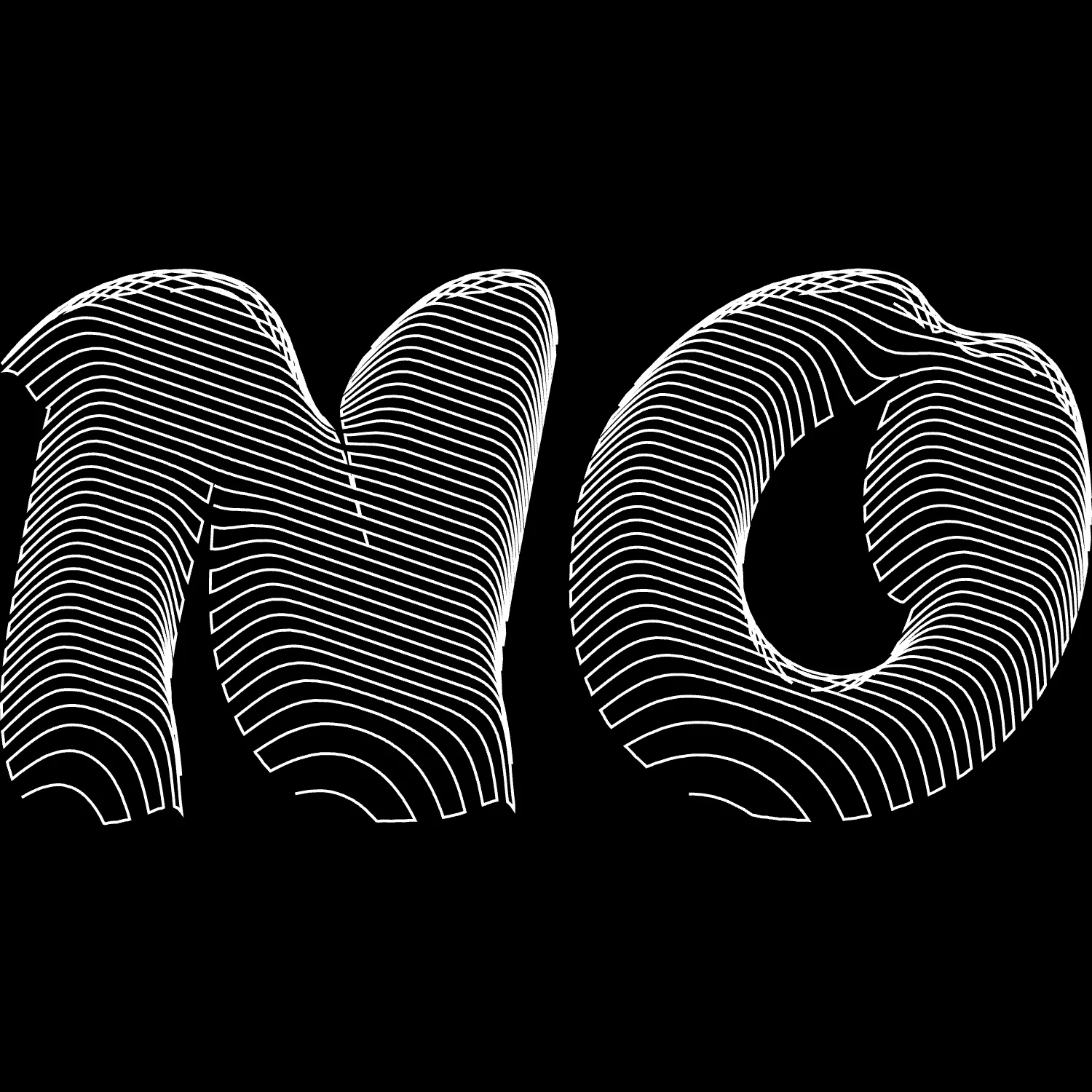
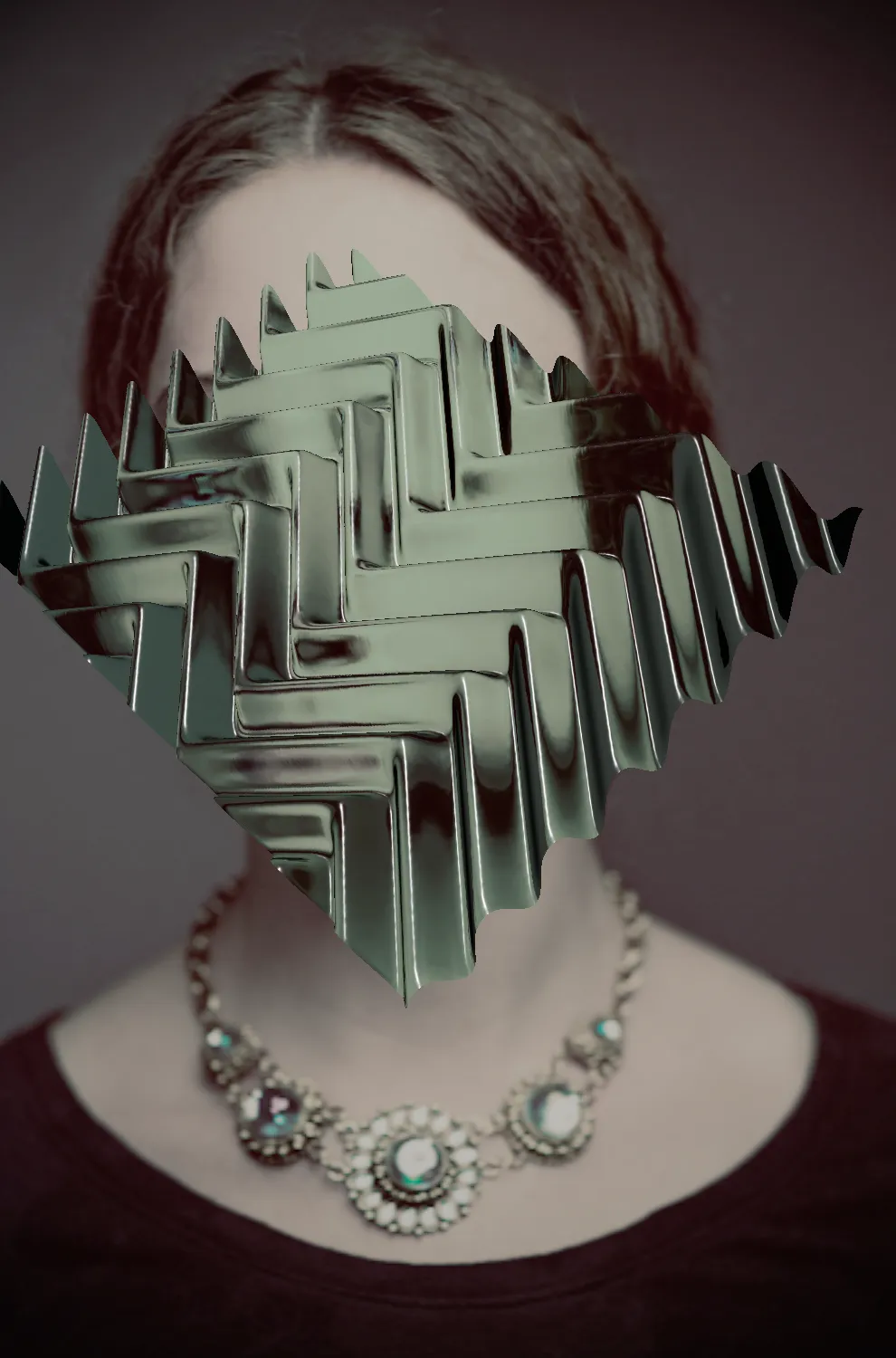
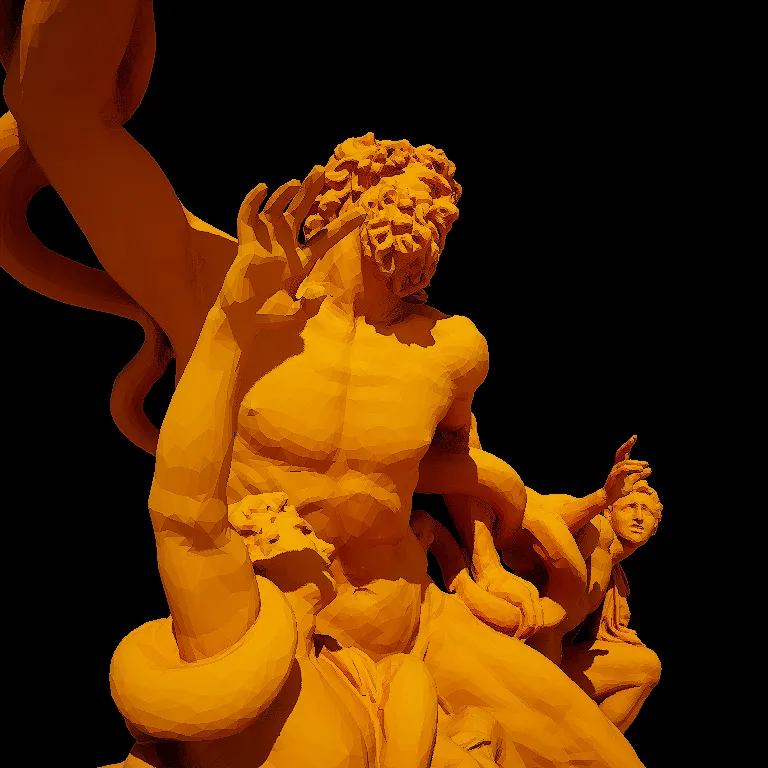
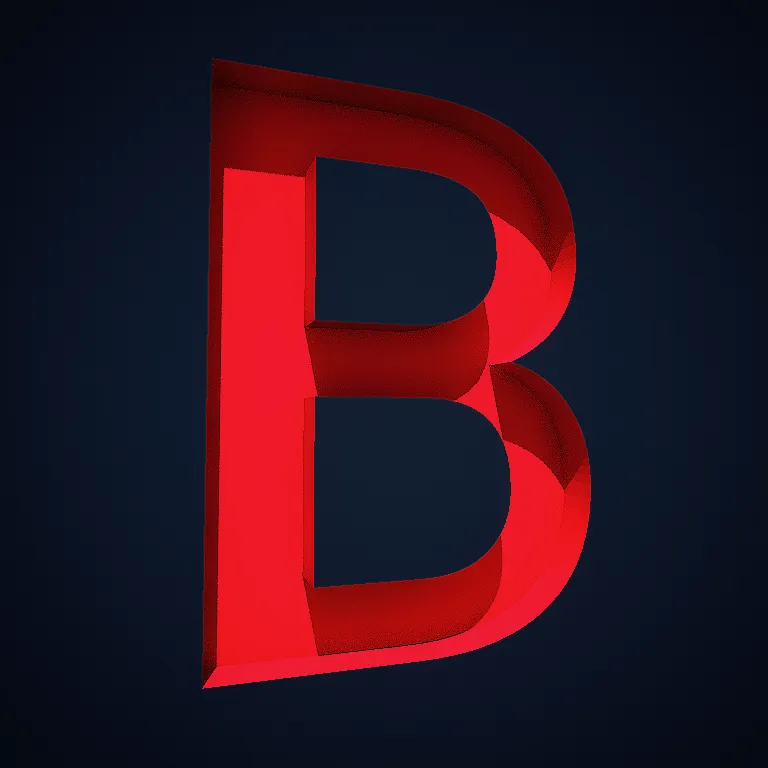
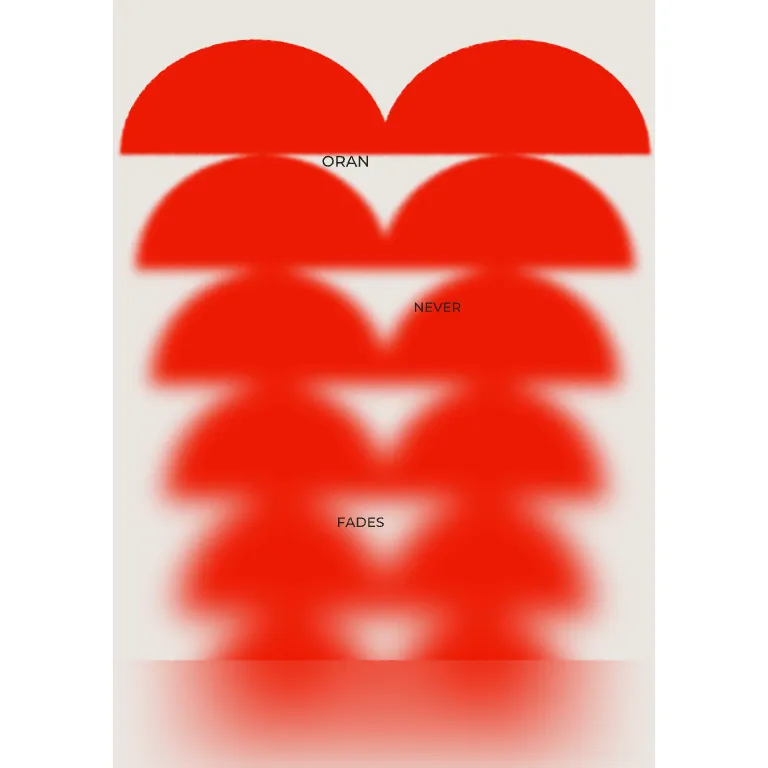
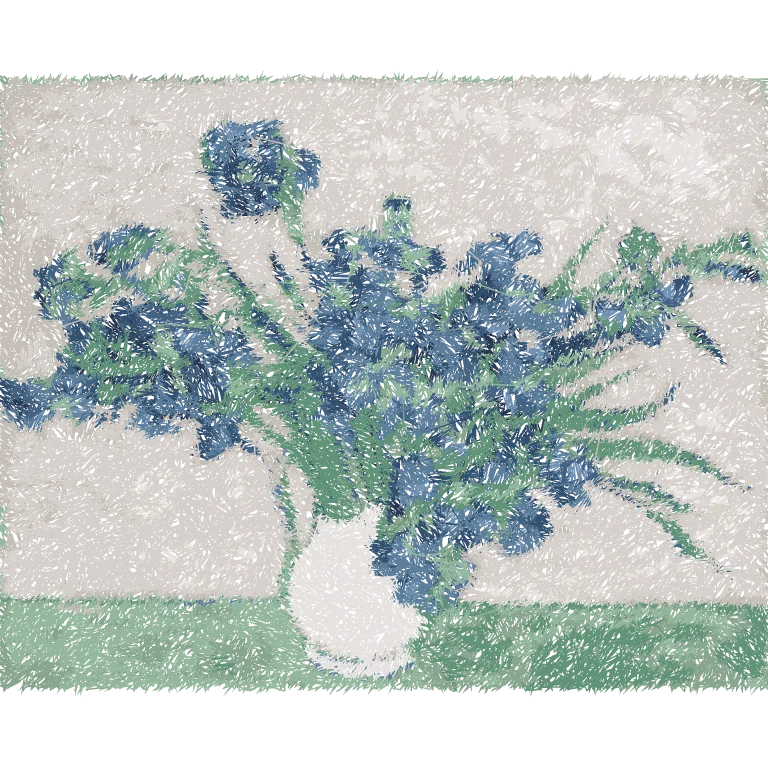
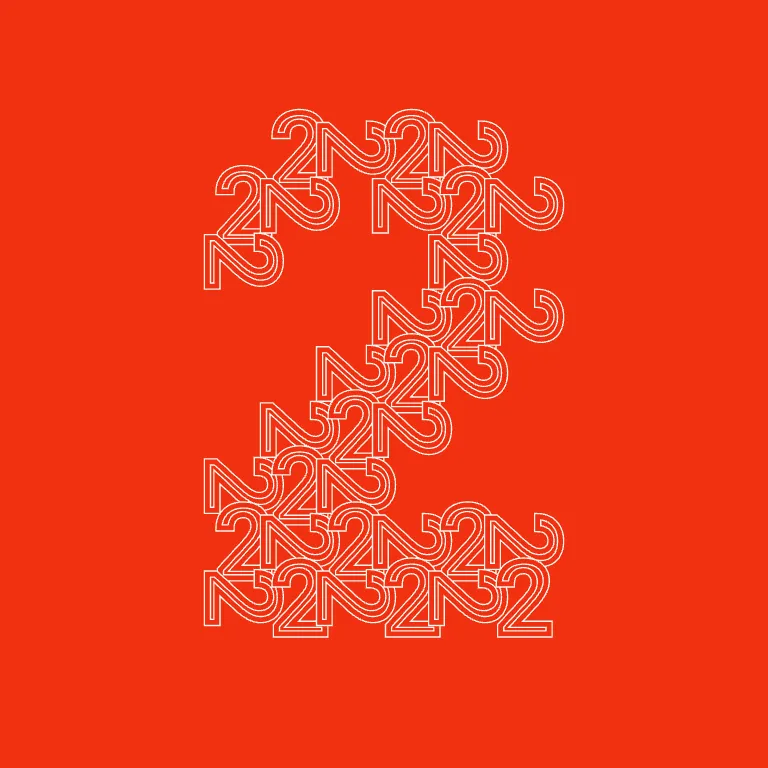
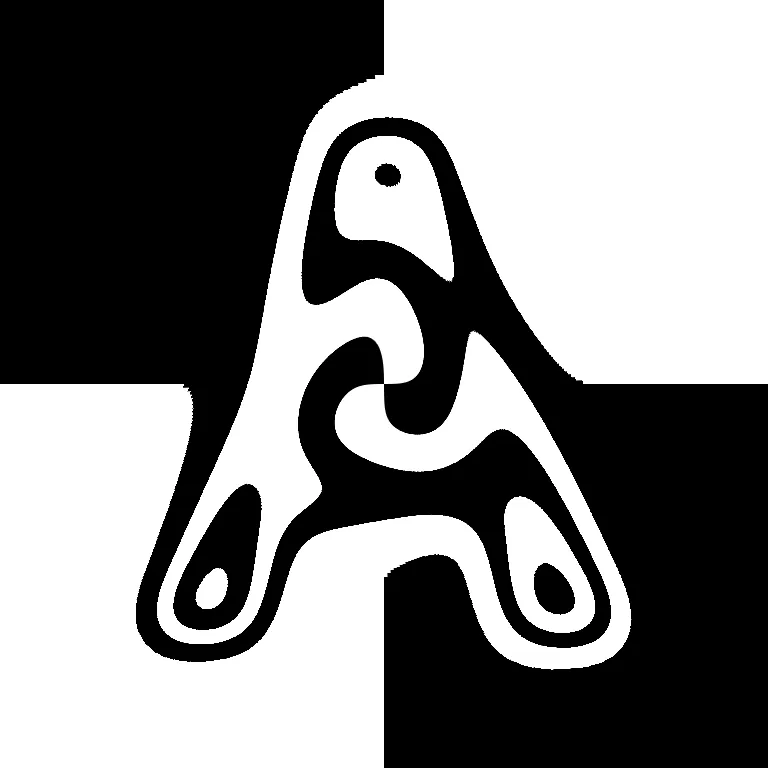
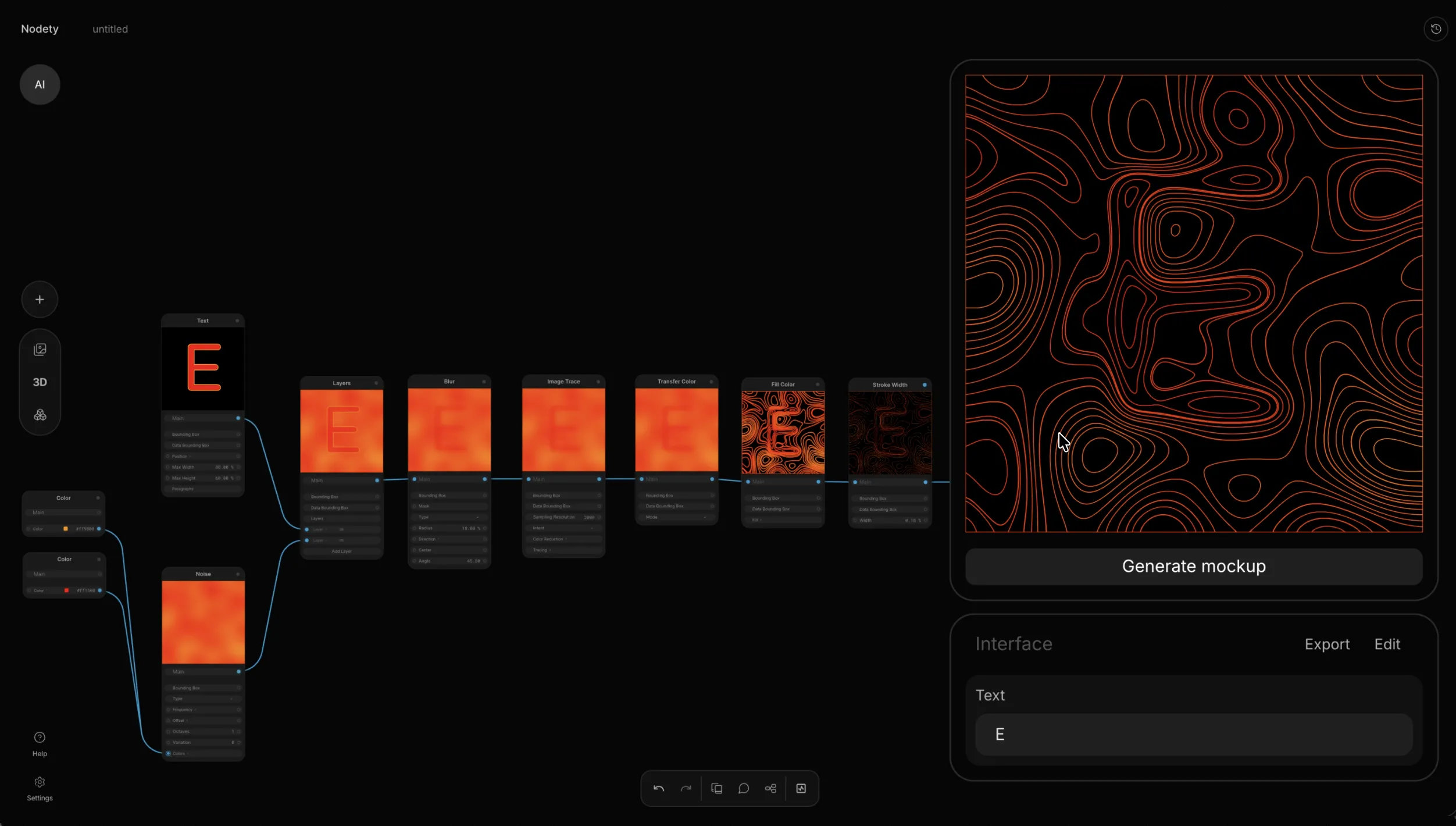
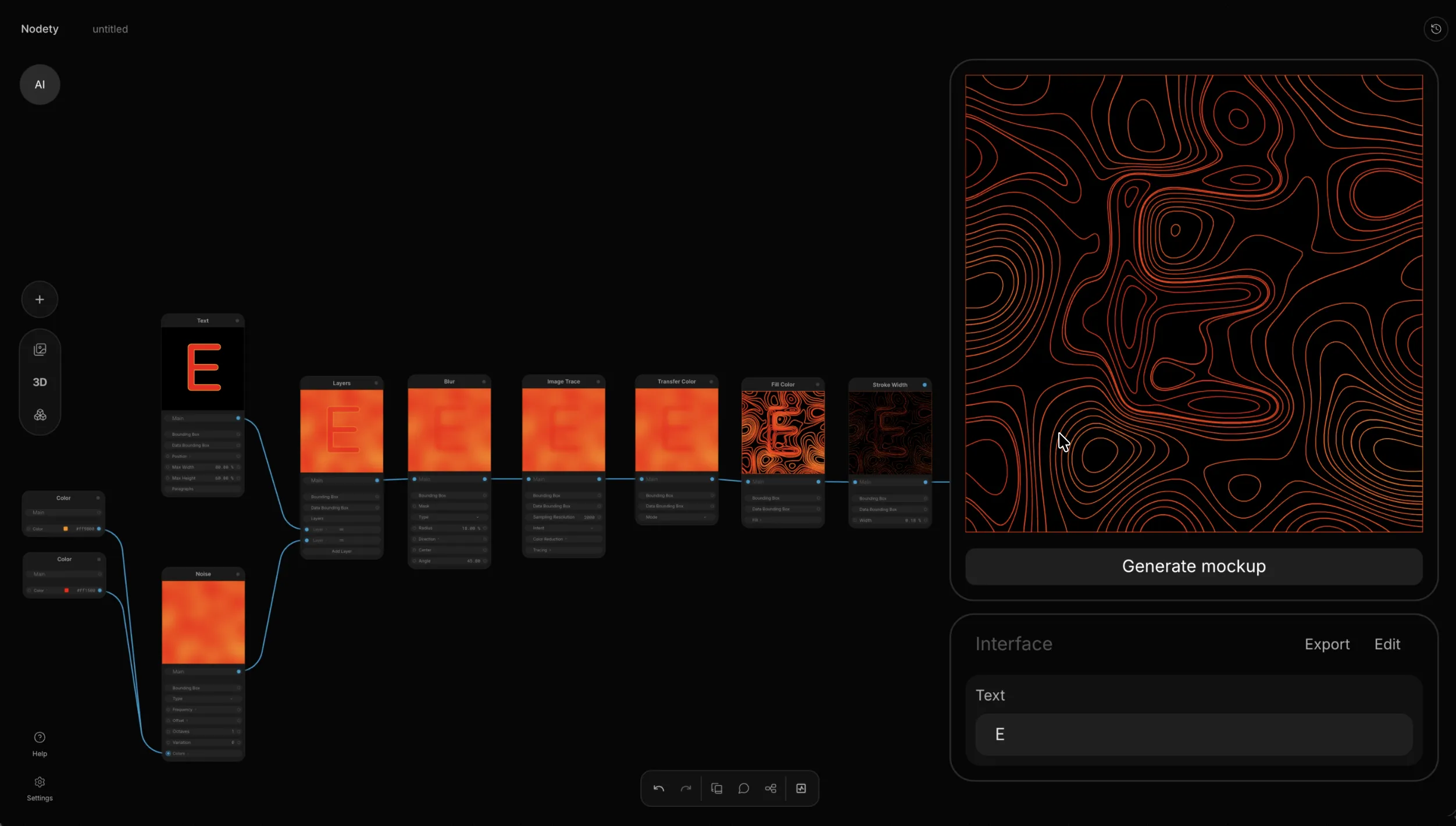
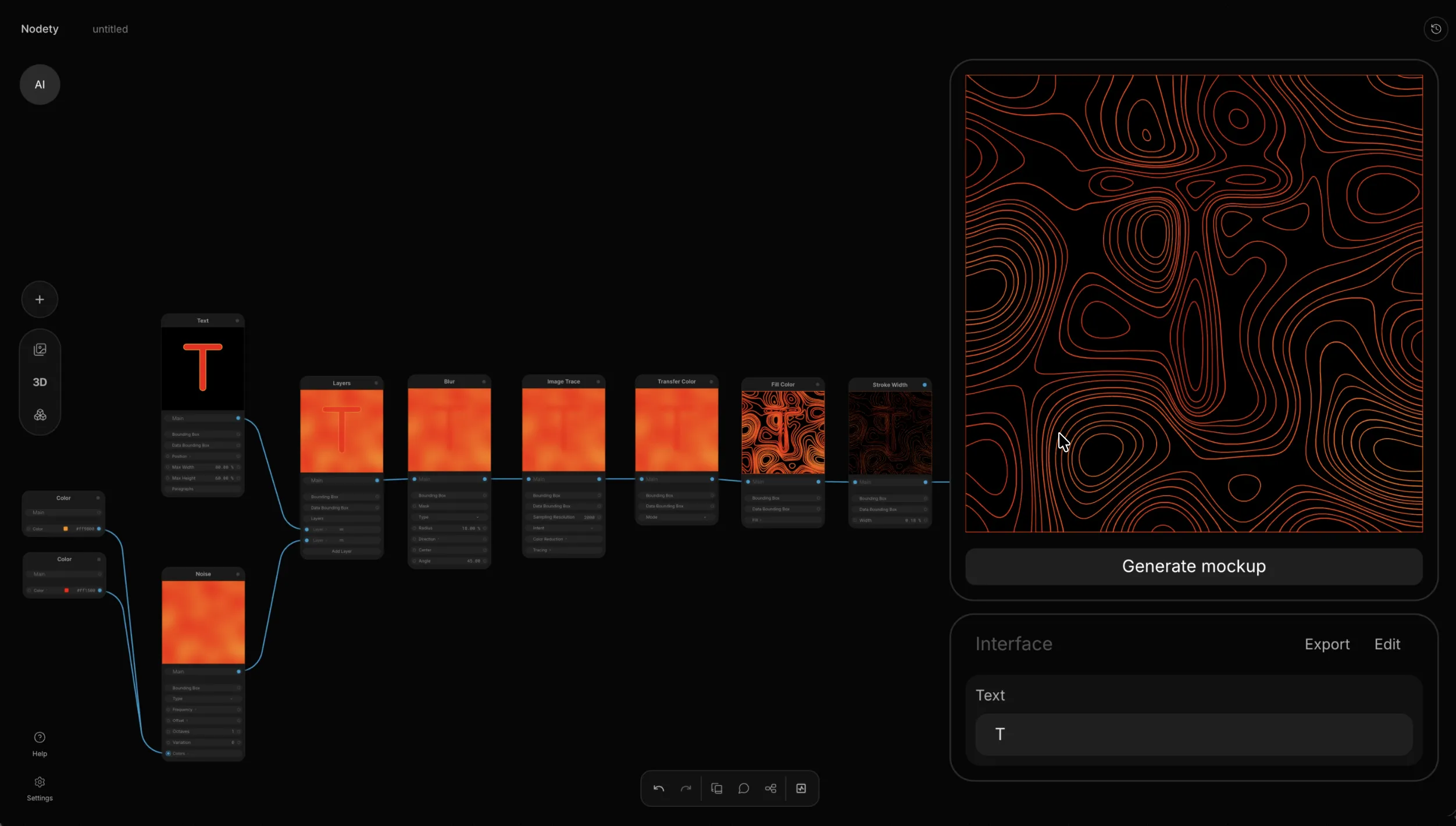
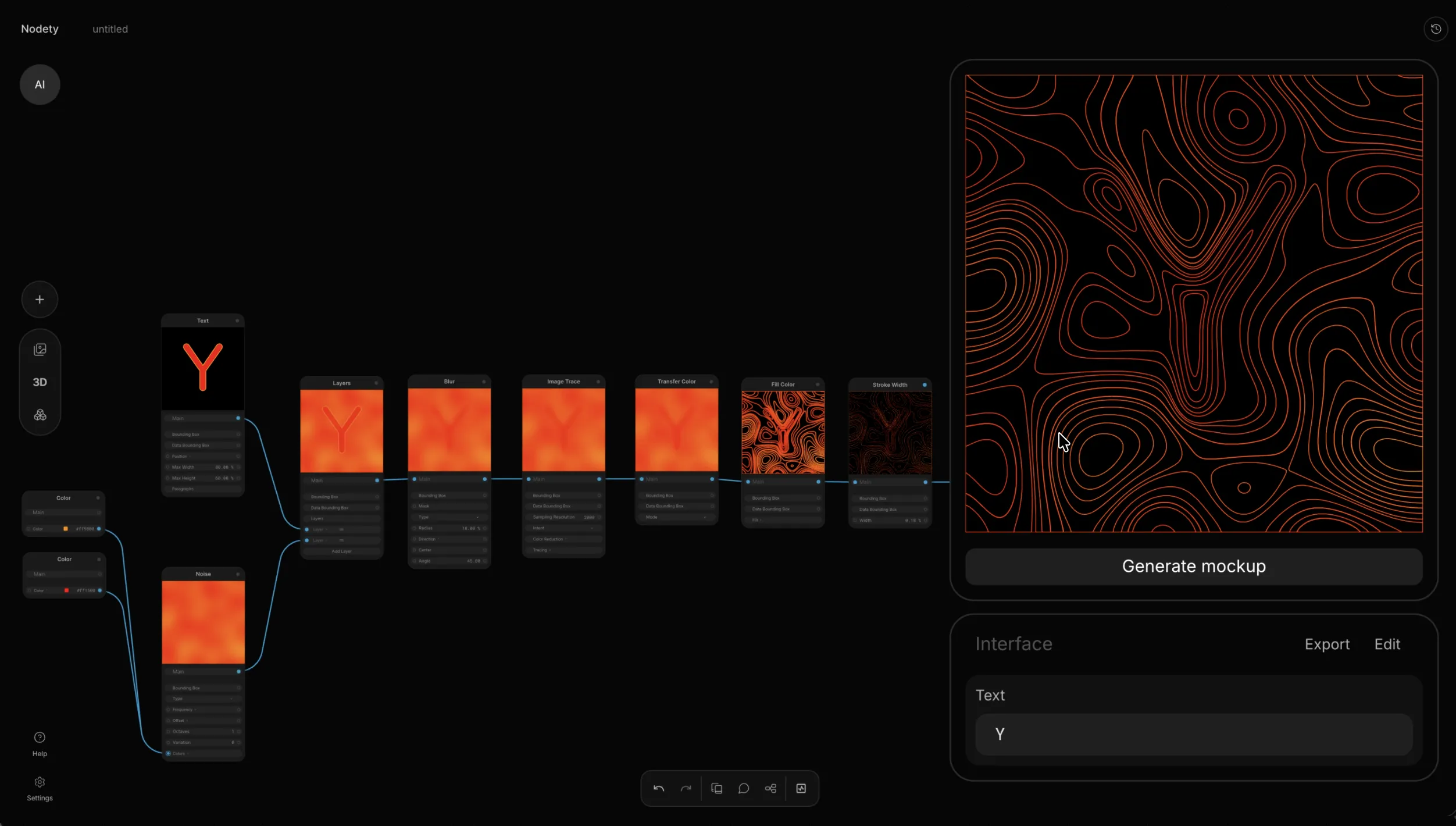
Beyond swapping a name or a color. A single parameter can restructure geometry, shift composition, and transform the entire output.
Surfaces
Every parameter is a live connection. Expose a slider, a text field, or a color picker — each one can control anything from a single property to the entire visual structure. No two outputs need to look alike.
Composer
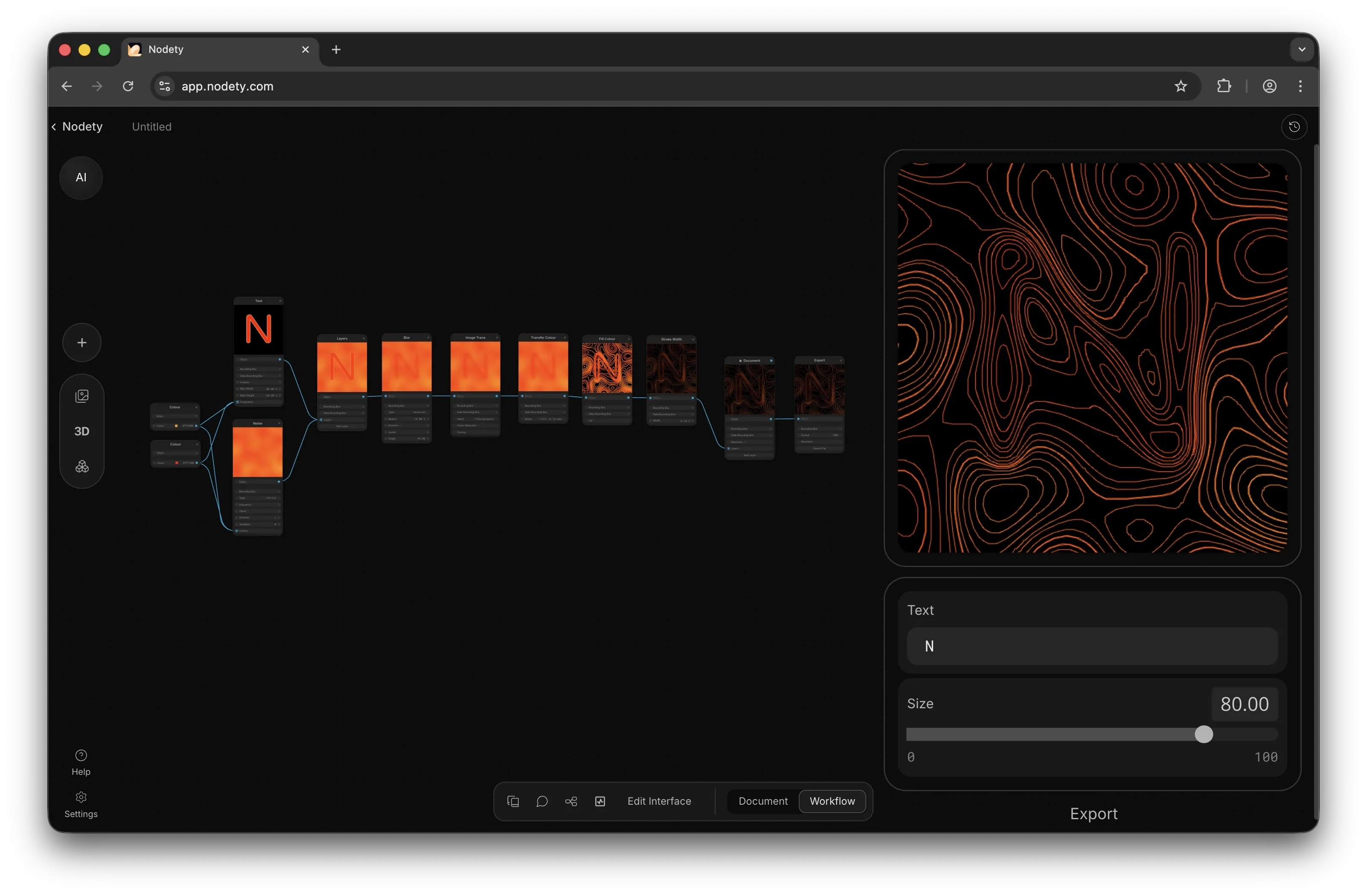
Workflow
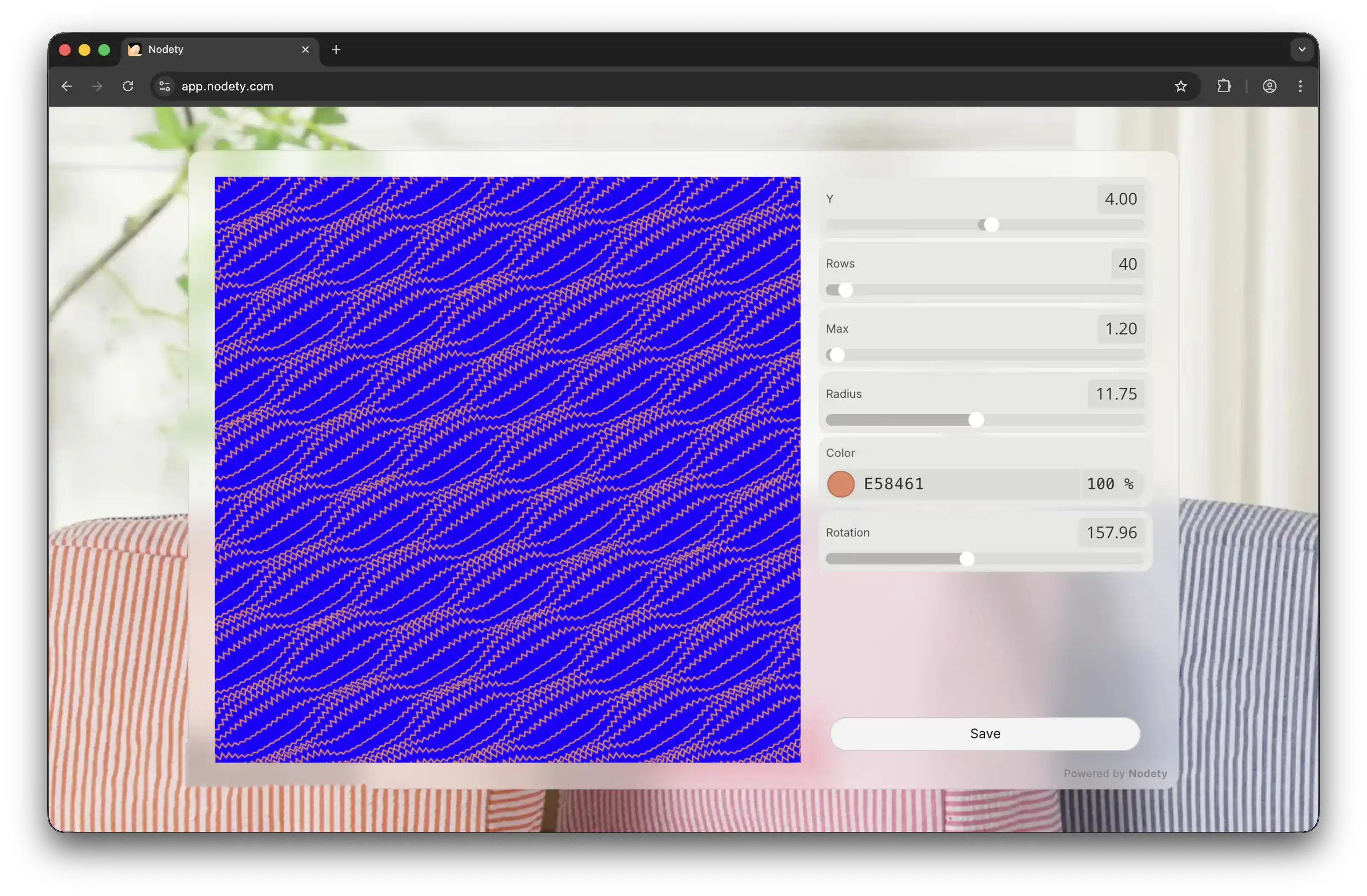
Configurator
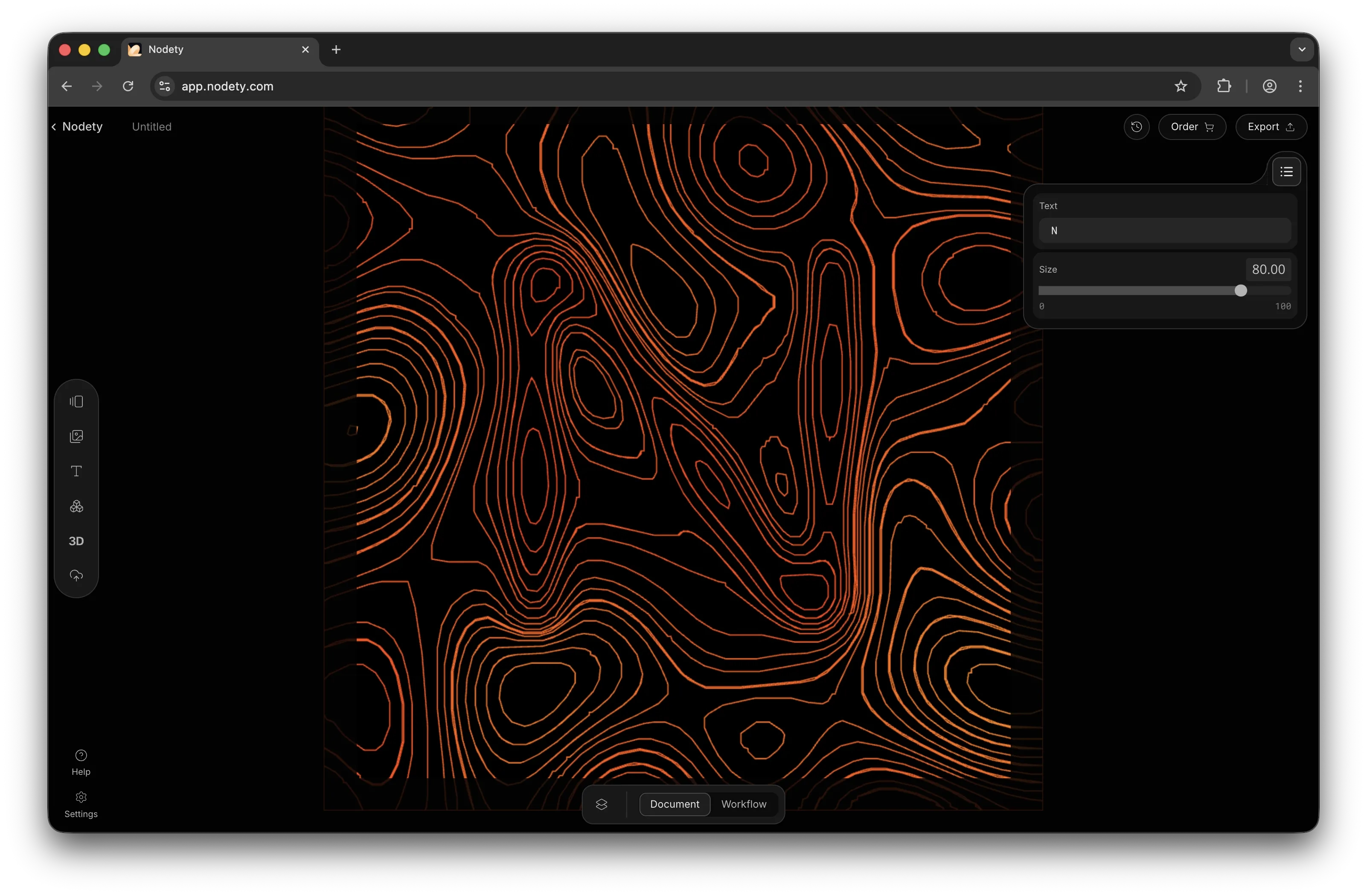
Personalize the entire design
The end user sees a clean, focused interface — just the controls you chose to expose. Behind it, the full parametric engine runs every adjustment through the entire project in real time.
 Nodety
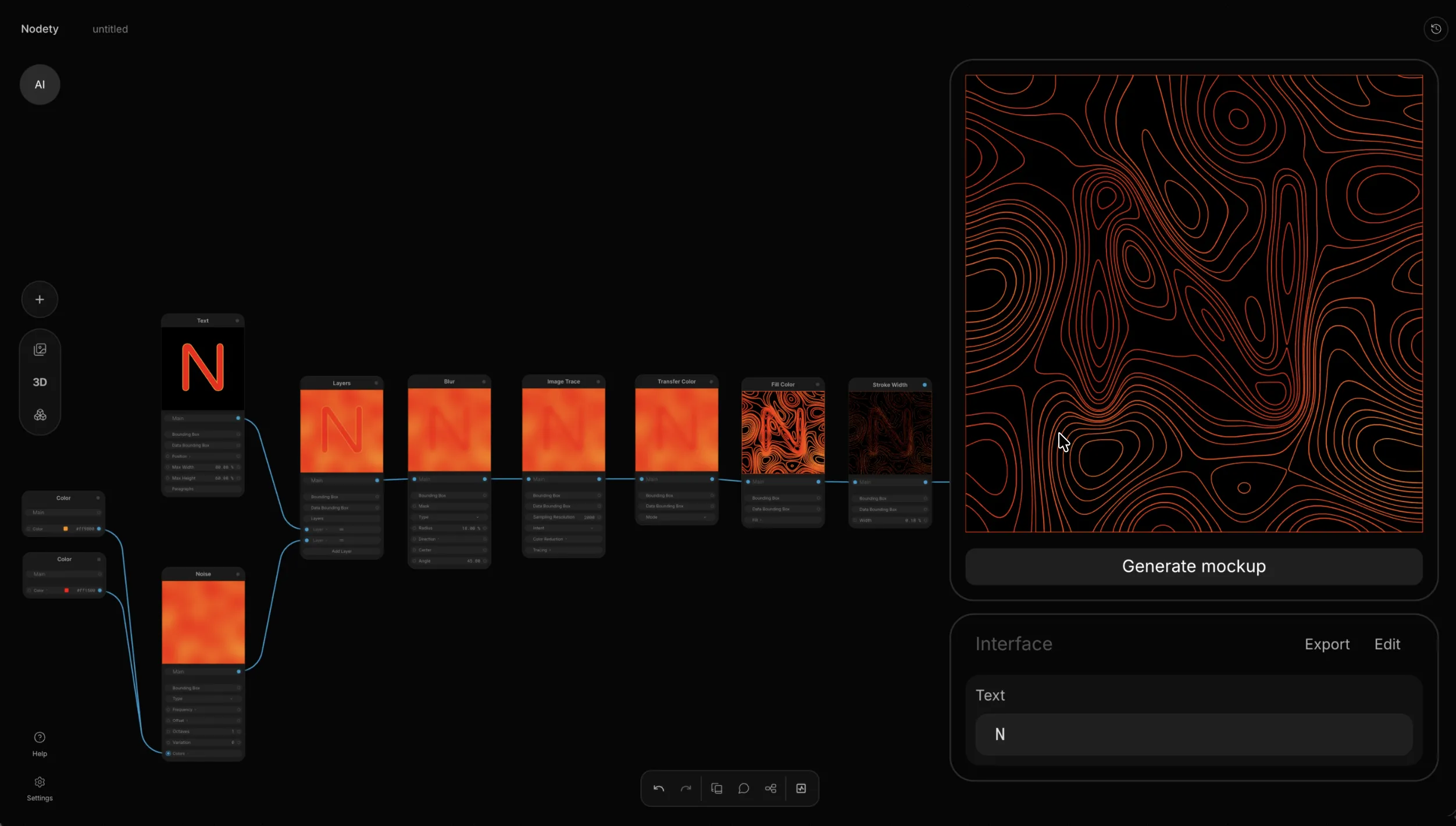
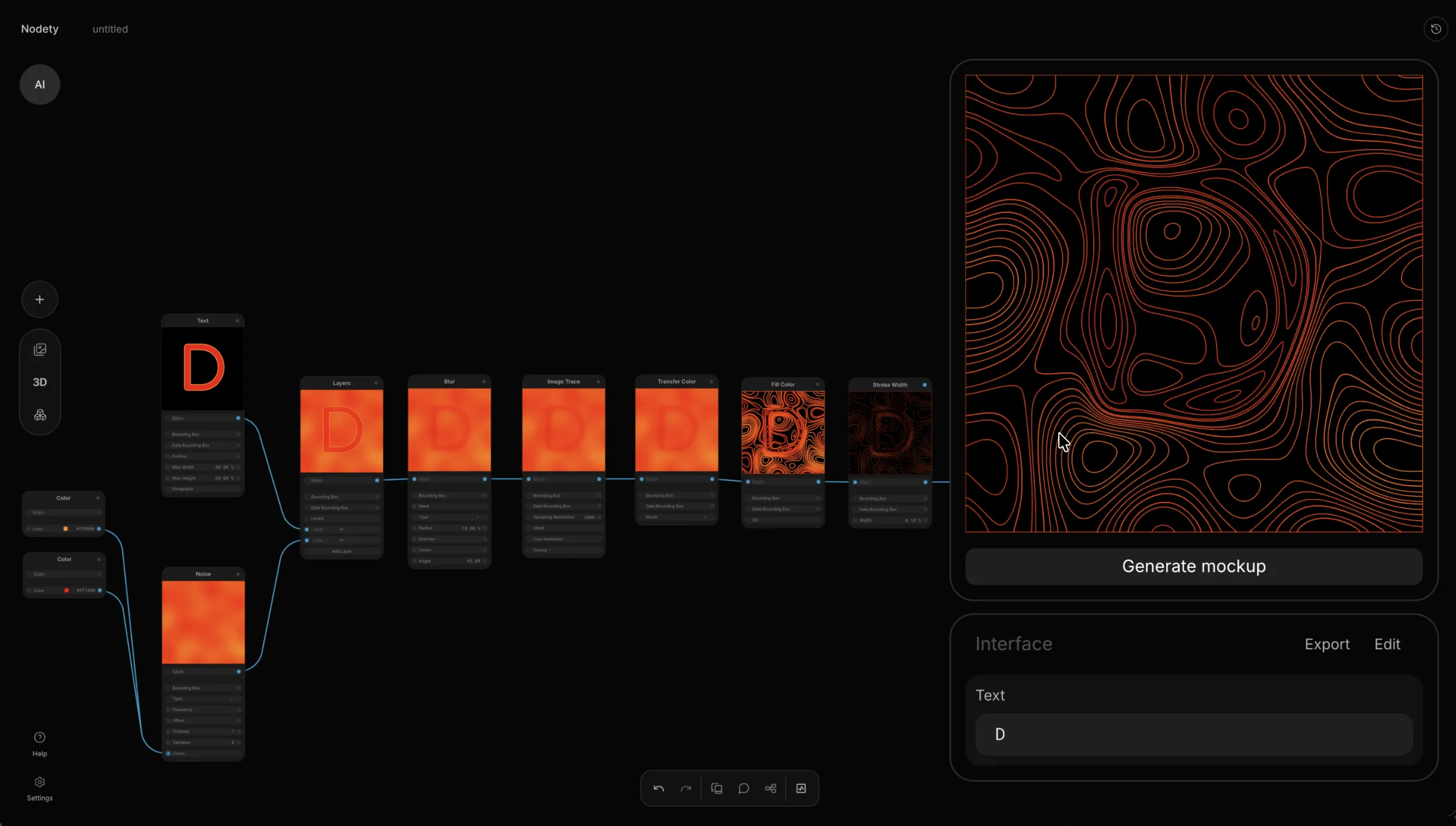
Personalization apps
The Configurator turns any Nodety project into a self-service personalization experience — from publishing a link to delivering production-ready files.
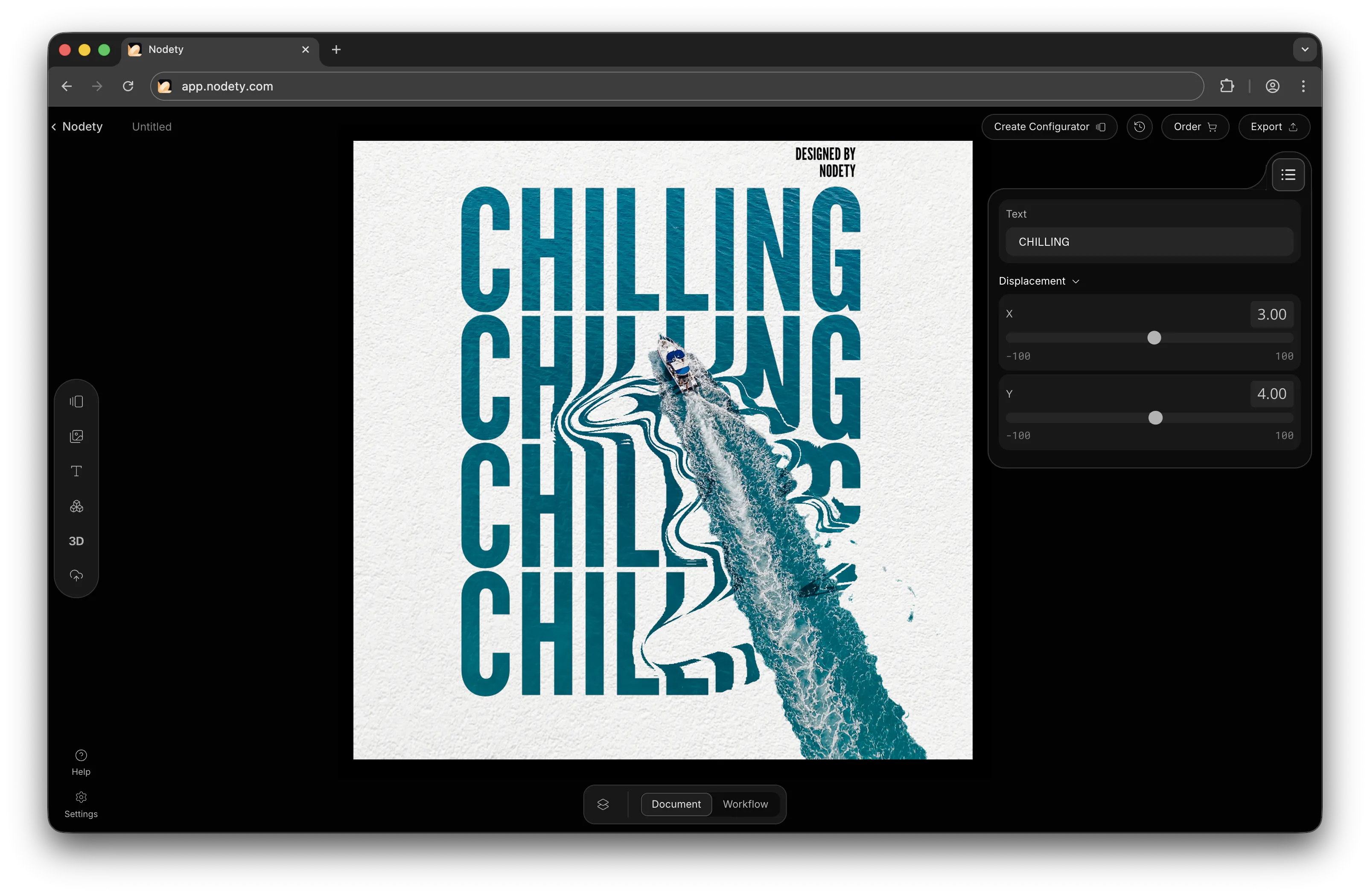
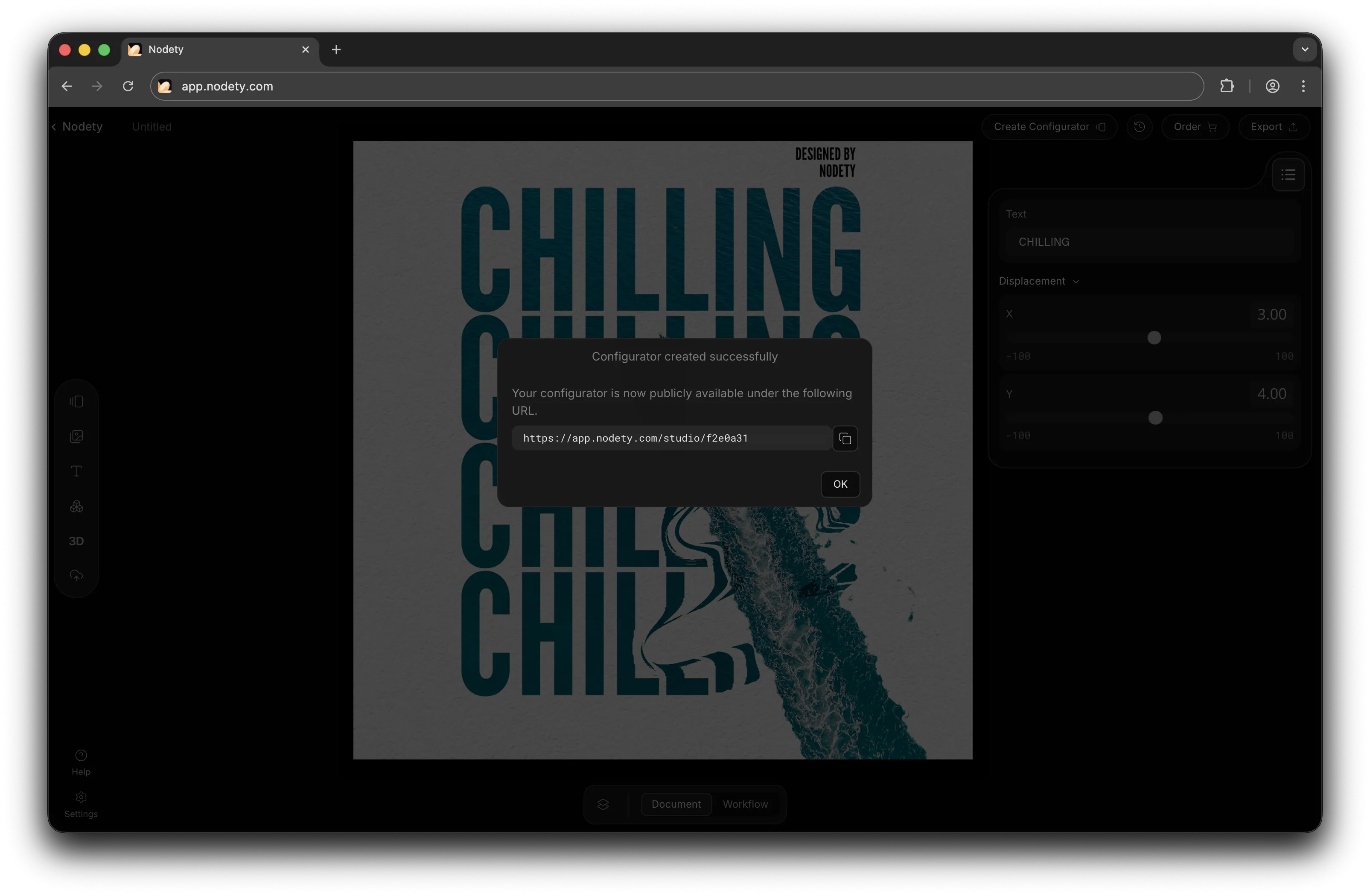
1. Publish
Define which parameters are visible and get a shareable URL. No app to install, no account required for your users. Anyone with the link can open the Configurator.
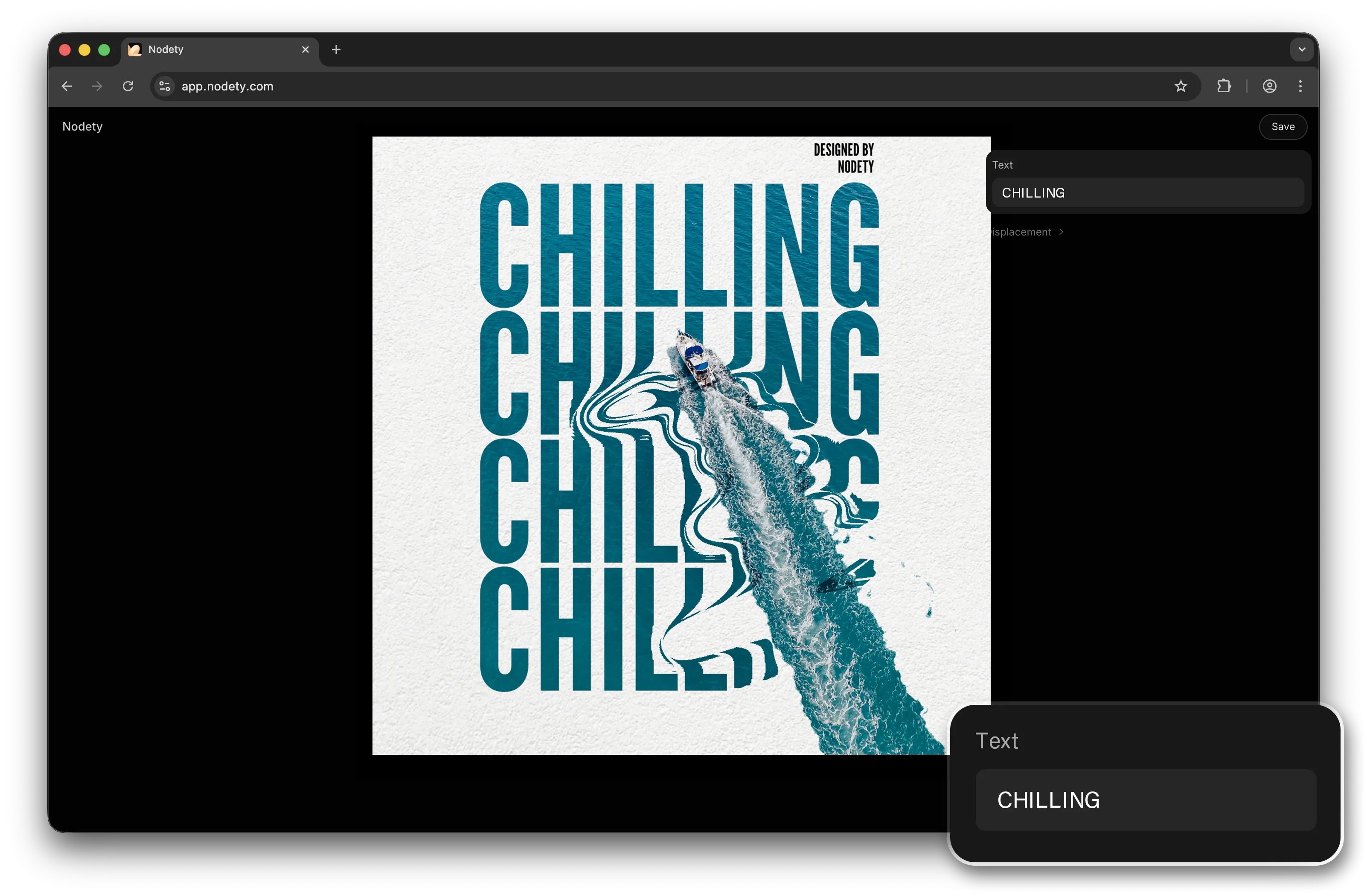
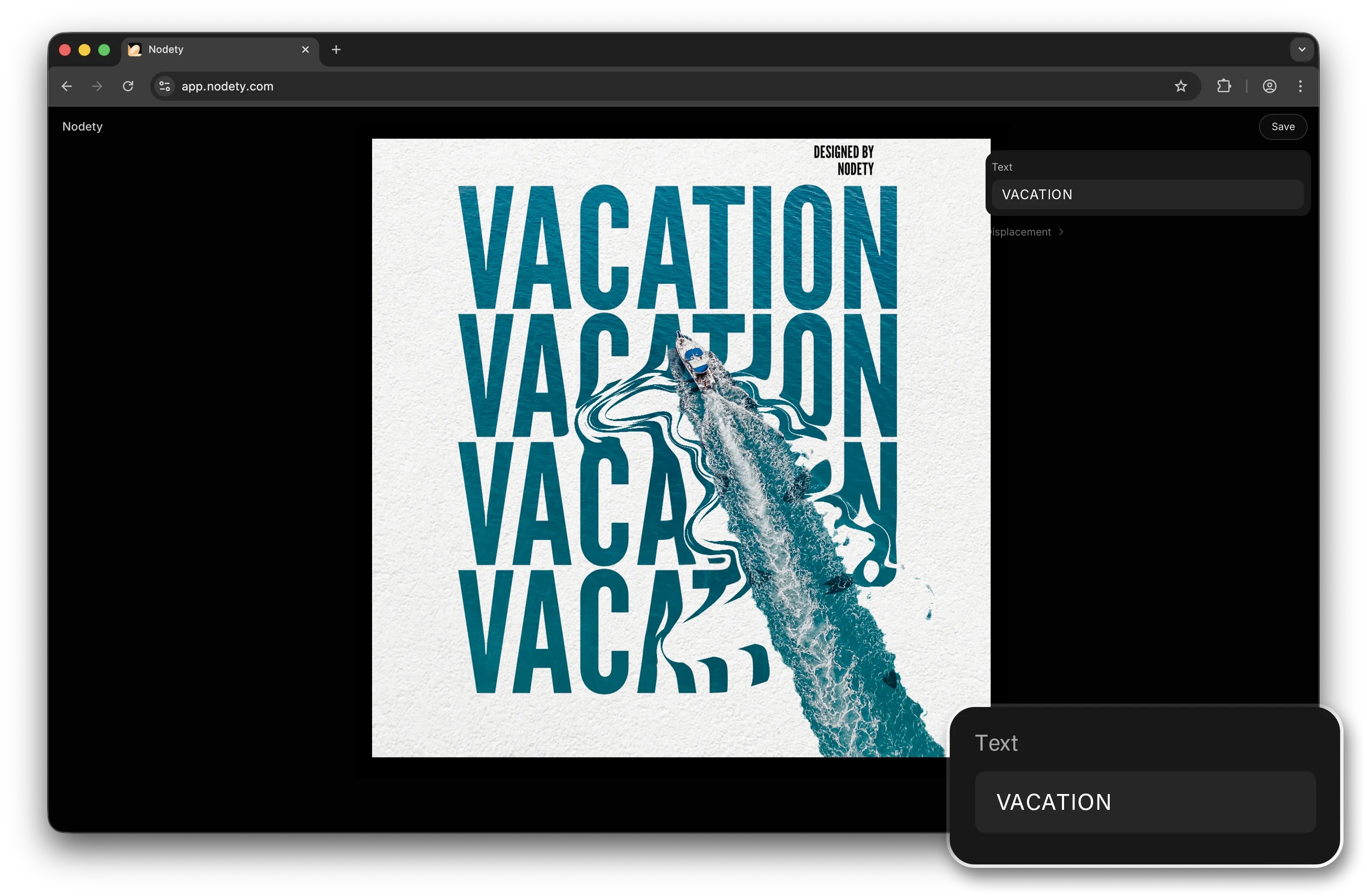
2. Personalize
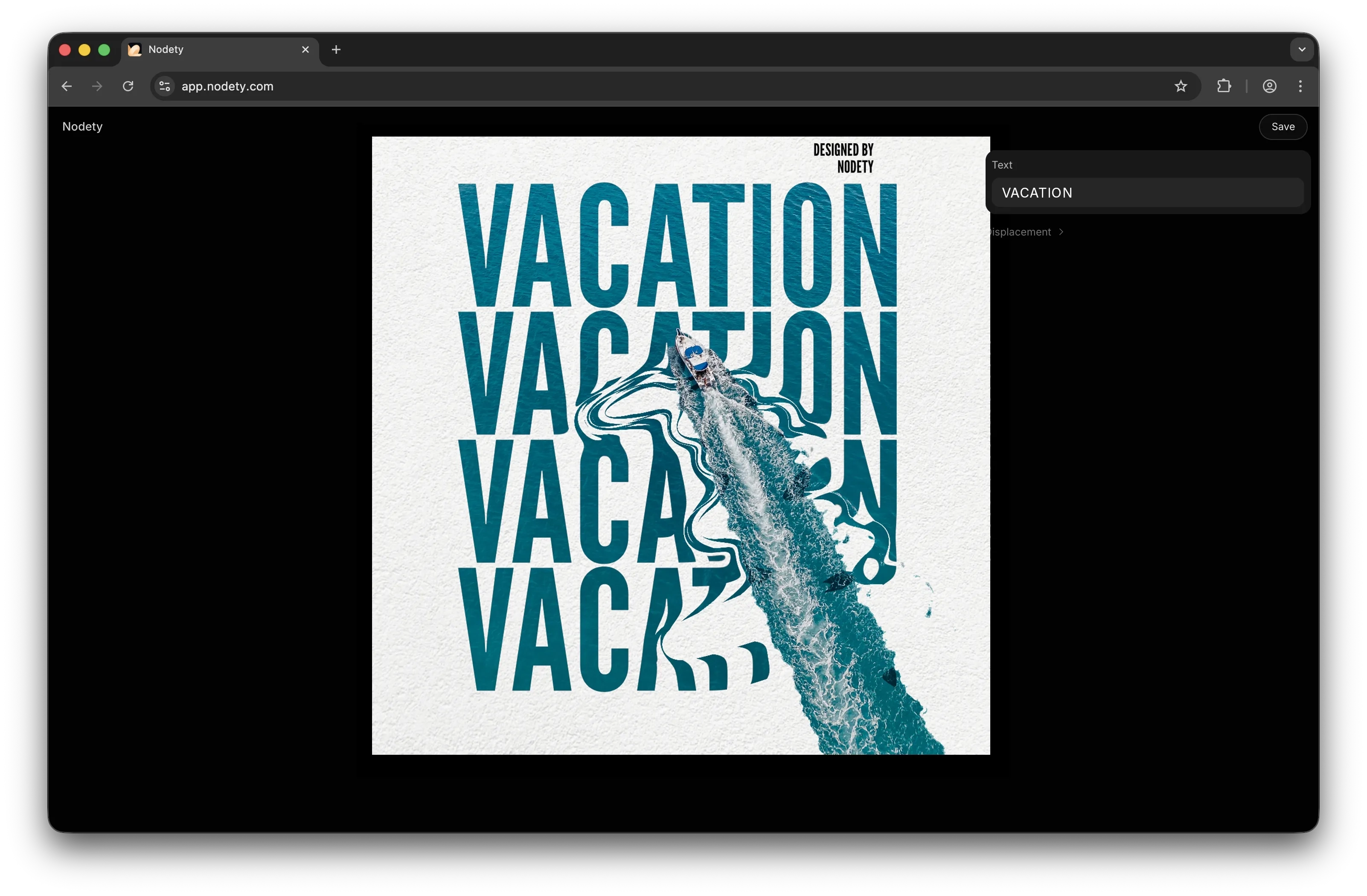
Your customer opens the link, adjusts the exposed parameters, and sees the design respond live. The interface shows only what you chose to expose — nothing else.
3. Save
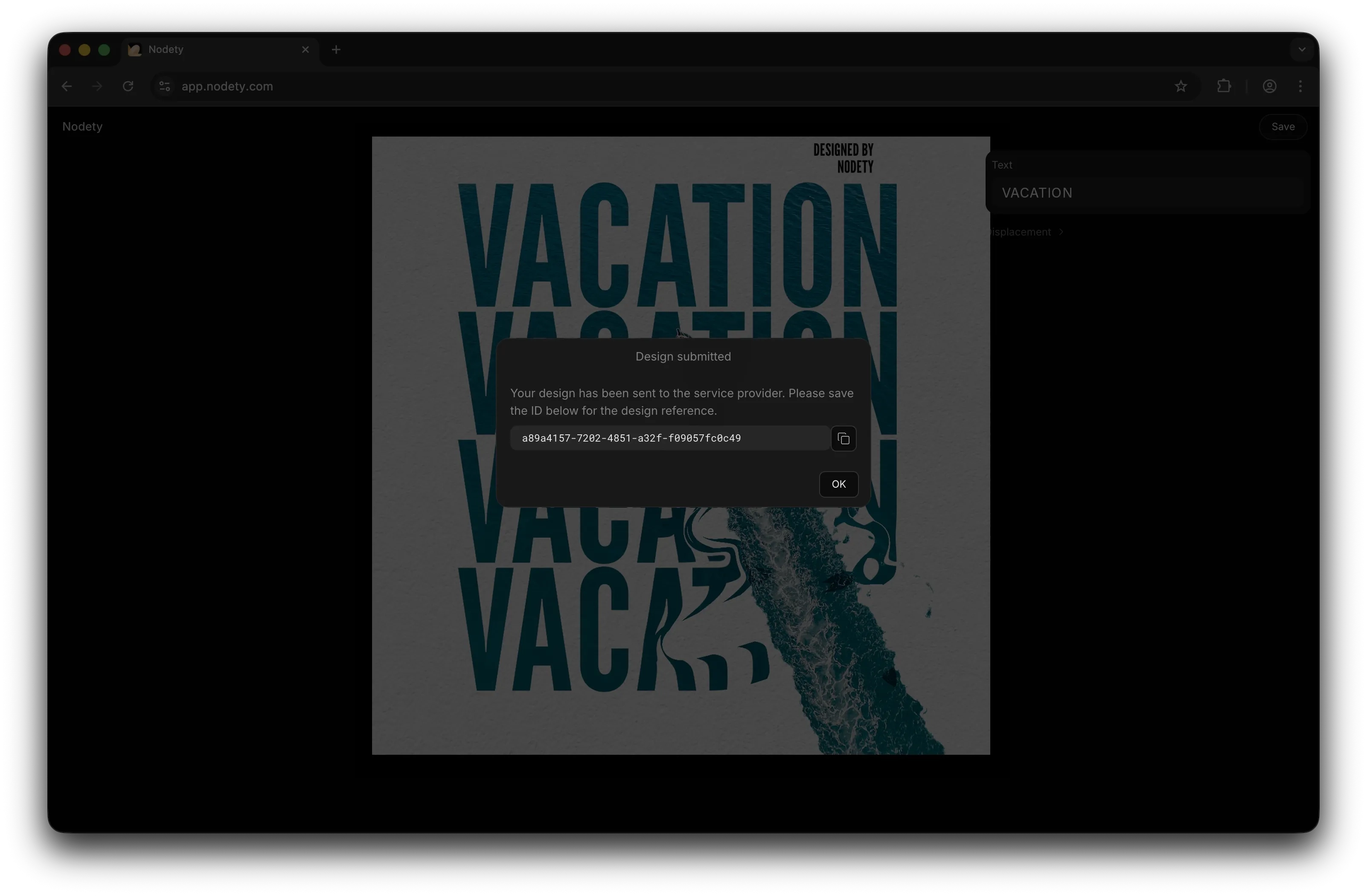
The user saves their version and optionally receives a job ID — a short code they can paste into a shop's personalization field, send in a message, or keep for reference.
4. Deliver
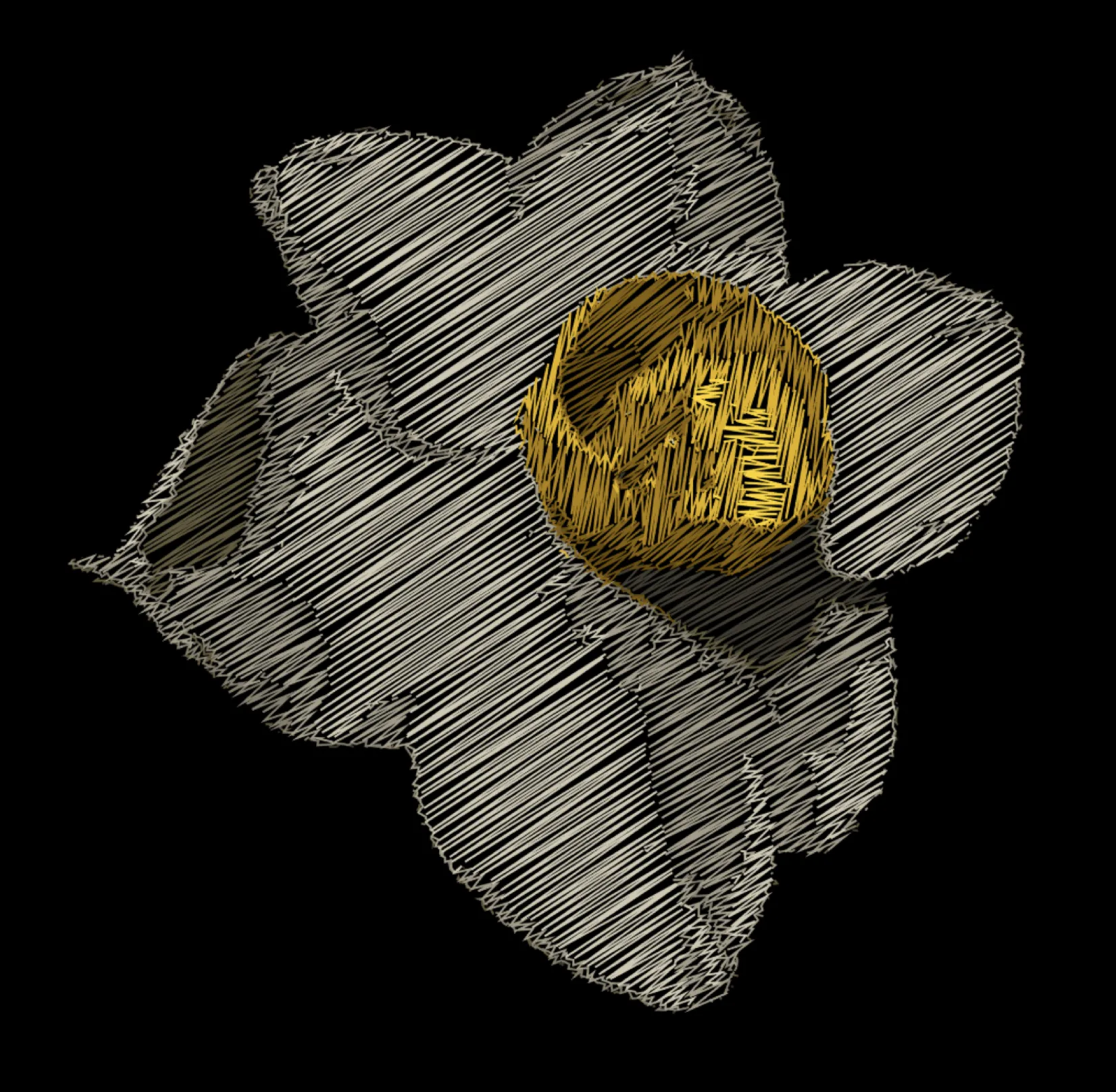
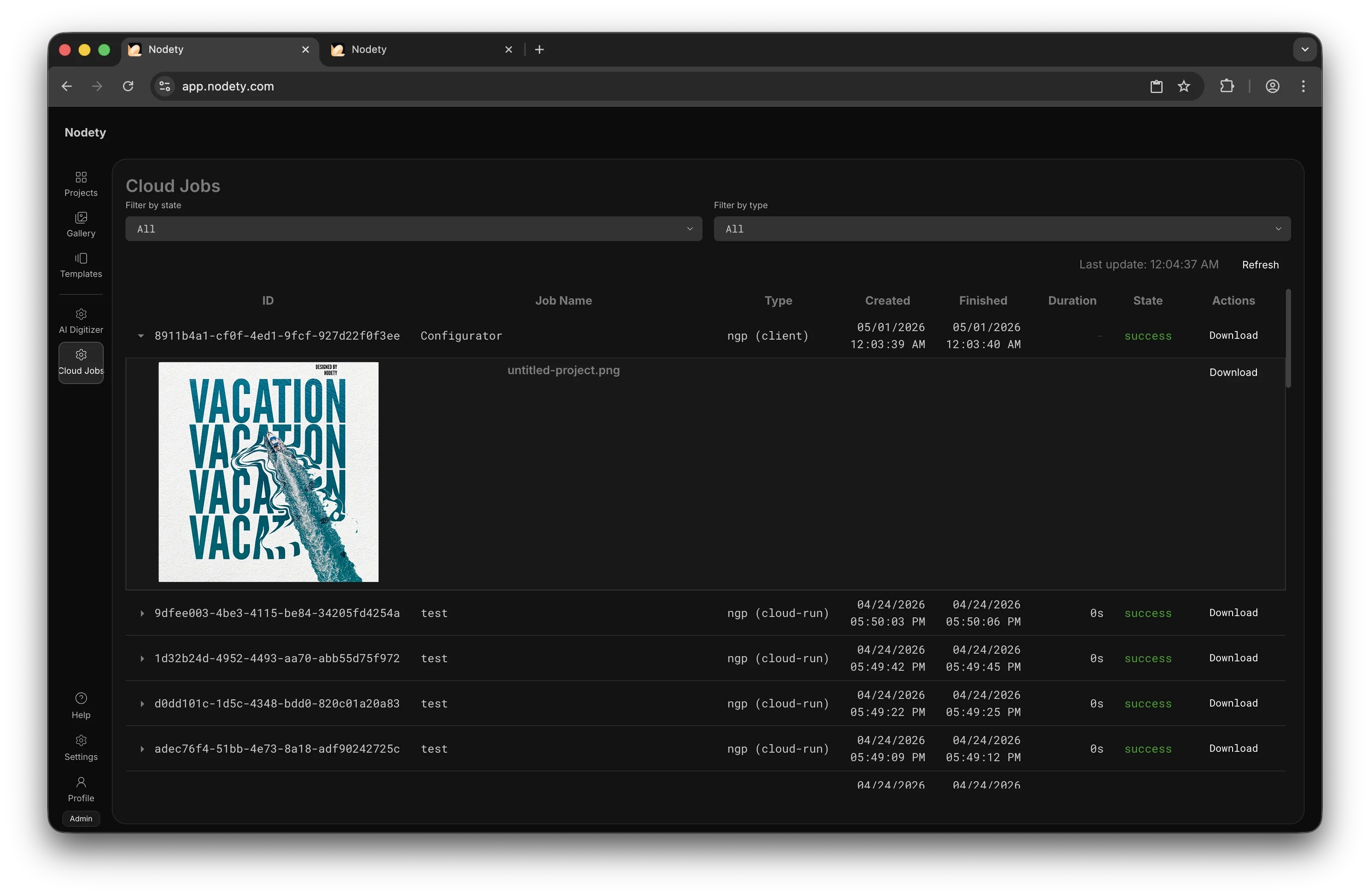
Every saved configuration appears in your jobs list, searchable by ID. Download production-ready files from every export node in the project — preview renders, DXF cut paths, embroidery stitch files, or any other format the project was built to output.
Under the hood
Data-driven personalization
Connect parameters to a CSV or spreadsheet. Each row produces a unique output — batch-rendered in the cloud with production-ready files for every variant.
Span-level text control
Text parameters work at the span level — any section of a text block can carry its own size, color, weight, and spacing independently. Each span property can become its own parameter.
Any property, any node
Every parameter on every node can be exposed — color, size, angle, density, text content, material properties, stitch length. If it exists in the node graph, it can become a personalization control.
Chained parameters
Parameters can drive other parameters. A single slider can control density, which drives spacing, which drives color, which drives composition. One input, a cascade of connected changes.
Constraints
Set minimum and maximum values on any parameter so outputs always stay within valid bounds. Designers keep creative control even when the end user has full personalization freedom.
Developers
Automate personalization through the SDK and CLI. Render variants programmatically or process batches on schedule.
Go to Developers ↗Production
Every personalized output is production-ready — embroidery, cutting, engraving, knitting, printing. See all supported formats and workflows.
Go to Production ↗